
Prepress for screen printing· Stampa Serigrafia
From artwork to film positives, in the browser and at actual size.
Colour separation, underbase, trapping, halftones and registration marks in seven guided steps. Nothing to install and no designs uploaded to any server: all processing happens on your computer.
Your files never leave your computer
- films with no greys
- 1 bit
- banded render
- ≤ 1200 dpi
- true physical sizes
- mm
- your files stay with you
- 0 uploads
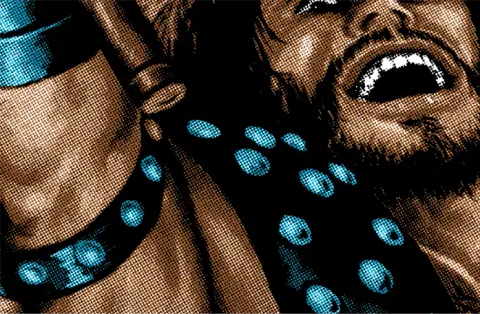 Halftone · detail01/03
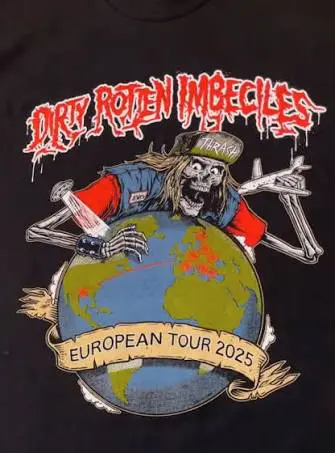 D.R.I. · 4 inks02/03
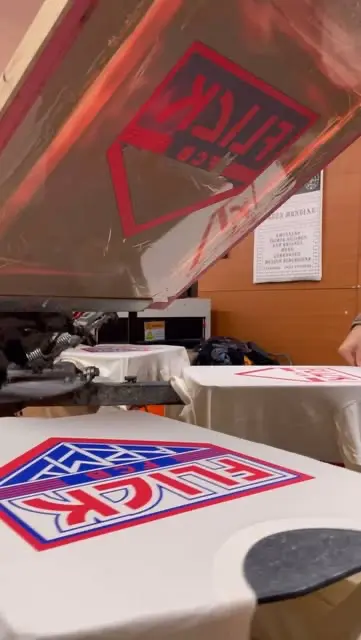 In the workshop · screen03/03
Workflow
Seven steps, in order
Each step unlocks once the previous one is done and sums up what you’ve set. Go back whenever you like without losing settings; undo and redo cover the whole project.
The seven steps
Artwork
Upload, background, sheet and physical size
Substrate
Garment, underbase and highlight
Separation
Method, inks and eyedropper
Inks
Mask, halftone, trapping and mesh
Printer and sheet
Printer, resolution, sheet and margins
Registration
Position, centre, marks and annotations
Export
Files, preflight and output
What it does
Complete prepress, without leaving the browser
Ink separation
Automatic spot colours (Otsu thresholding) or eyedropper picks, approximate CMYK with classic angles, and greyscale. Merge, split and rename inks; Pantone suggested and editable.
Underbase and highlight
Solid or tonal underbase with choke in mm, inks tied to the base and highlight white pulled from the light tones. Preflight warns you if the base would come out empty.
Honest trapping
Centred stroke (no grey line between shape and overlap), negative choke, pairwise overlaps and per-ink settings that carry through to export.
AM and FM halftones at true dpi
Screen ruling, angle and dot shape per ink; stochastic FM with the dot in device pixels. The final film is re-rasterised from the artwork in bands: the preview is never scaled up.
Registration and centre marks
Crosses, targets and bars with independent distance per side, a horizontal centre mark (with optical centre) and a footer with print order, colour, mesh and settings.
1-bit film positives
100% DeviceGray PDF at 100% scale, compressed 1-bit PNG and TIFF, composite proof and ZIP with manifest. Tiling with overlap for designs larger than the sheet.
Sheet and printer
A4 to A1 and SRA3 sizes, printer profiles with their non-printable margins, step and repeat, and ganged films.
Preflight before you print
More than twenty checks (PF-01 … PF-21): resolution, mesh versus screen ruling, marks off the sheet, unnamed job, empty underbase… Errors block the export.
Honesty
What we don’t promise
No fake controls: anything not implemented isn’t shown, and approximations are stated in the interface itself.
- On-screen colour is a guide: it doesn’t replace a printed proof or an ICC profile.
- CMYK is a declared approximation (generic GCR/UCR), with no ICC colour management.
- UV density of the black, real dot gain and exposure depend on your film, printer and emulsion.
- 100% scale on paper depends on the driver: every film carries a 100 mm ruler so you can check it.
Workshop
Built for the workshop, not the monitor
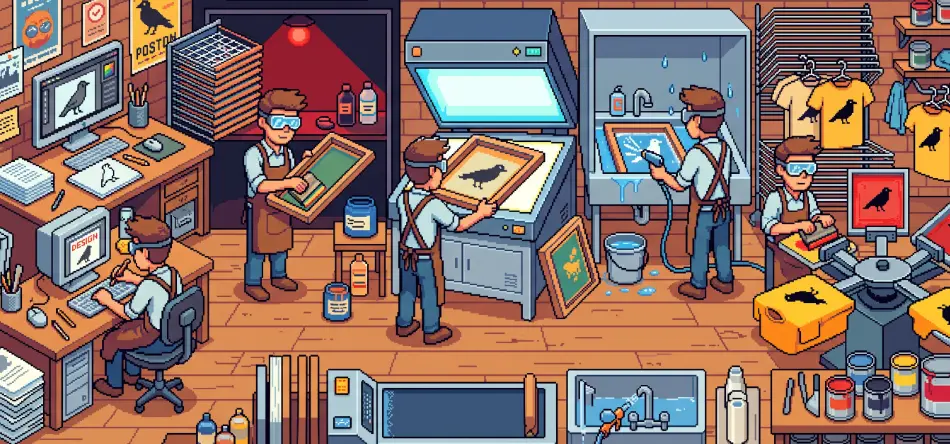
Seri was born in the Stampa workshop: what you set up is what gets exposed, coated and printed.
Printer profiles
Real non-printable margins per profile (for example a Ricoh IM C2000 at 1200 dpi on SRA3 via the bypass tray) and a warning if the marks fall outside.
Mesh per ink
Threads per centimetre for each screen, with the recommended screen ruling and a mesh/ruling warning when the halftone won’t hold on the mesh.
Production presets
Ink, mesh, ruling, dot, gain, limits, choke and resolution saved as a reusable profile for the next job.
.seri.zip project
Settings as JSON and the artwork in one package: it reopens exactly as it was, and the film comes out byte-for-byte identical.
Access
Load your artwork and output your films today.
For now Seri runs on the workshop password. Individual subscription access is planned; the session and the sign-in gate are already built for it.